
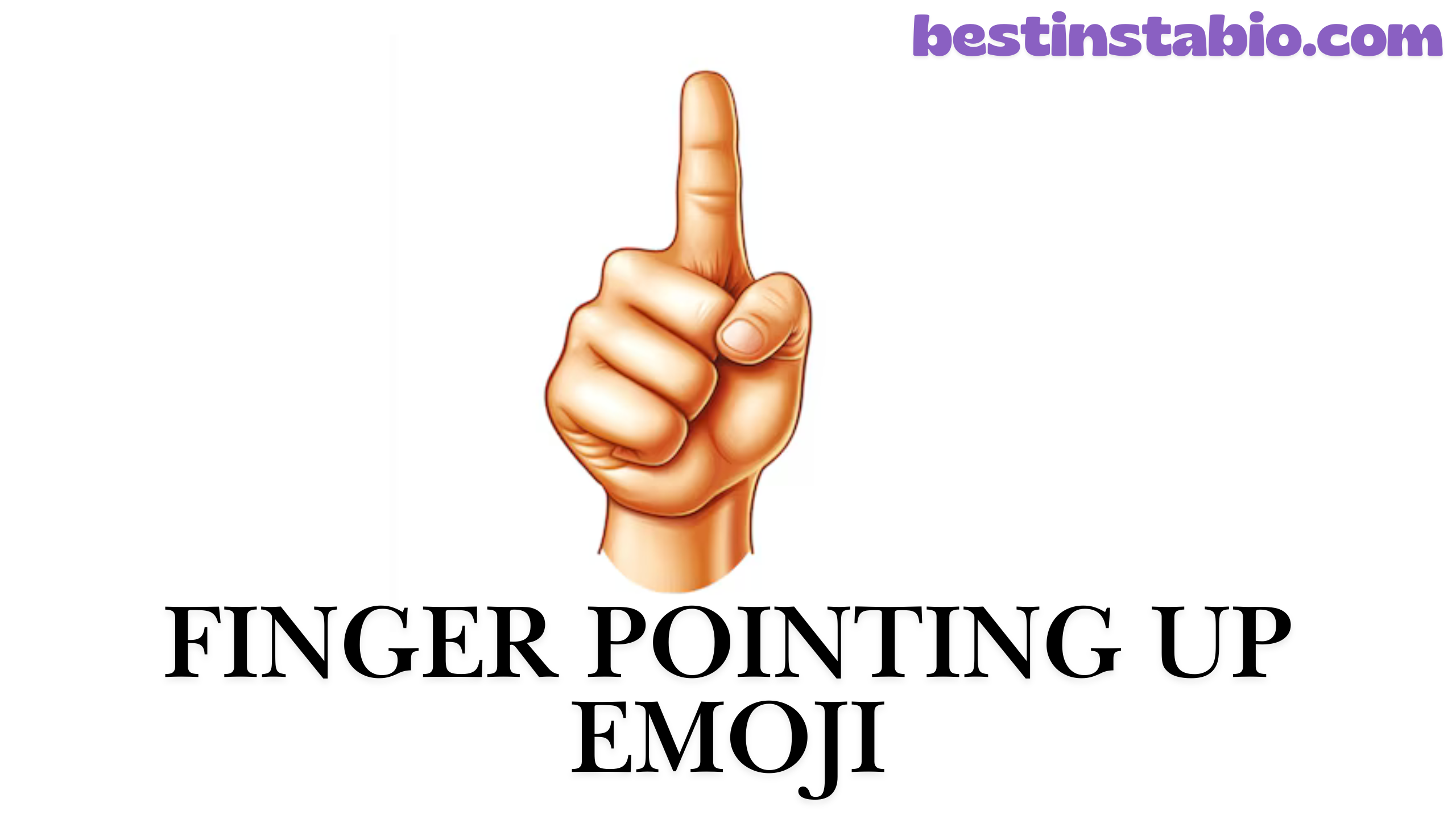
What Does the Finger Pointing Up Emoji Mean?
The finger pointing up emoji ☝️ is one of the most versatile and widely recognized hand gesture symbols in digital communication.
This emoji symbol shows a single hand with the index finger extended upward, creating a clear upward pointing gesture that captures attention instantly.
What does finger pointing up emoji mean? At its core, this pointing hand emoji represents several powerful concepts.
It’s primarily used as an attention grabber to draw eyes toward important information above your message. When someone uses ☝️, they’re essentially saying “Look up!” or “Pay attention to what’s above this.”
The index pointing up emoji carries multiple emoji meanings depending on context:
- Direction Indicator – Points to content, links, or messages positioned above
- Priority Marker – Highlights something important that deserves immediate attention
- Number One Gesture – Represents being first, best, or top-ranked
- Emphasis Tool – Adds weight to a statement or idea
- Selection Gesture – Indicates a choice or preference among options
- Notice Symbol – Signals that an important message follows
The beauty of this emoji lies in its simplicity. Unlike more complex hand gestures, the finger pointing upward is universally understood across cultures and generations.
Whether you’re using it on social media contexts, in text messages, or professional communications, the meaning remains clear: something above deserves your attention.
Commonly used to draw attention, this pointing finger emoji has become essential in modern body language online.
It helps structure conversations, guides readers through content, and ensures important details don’t get overlooked. The gesture represents both literal direction (pointing upward) and figurative emphasis (highlighting importance).
Many people wonder about the difference between ☝️ (white up pointing index) and 👆 (backhand index pointing up).
While both are pointing direction emojis, ☝️ shows the palm facing forward with the finger raised, creating a more formal, announcement-style gesture. This makes it perfect for making statements, asking questions, or drawing attention to specific points.
The index finger emoji can also be used for expressing ideas like “Wait a minute,” “I have something to say,” or “One more thing.”
It’s the digital equivalent of raising your hand in class or holding up a finger to pause a conversation. This versatility makes it one of the most frequently used emoji symbols across all platforms.
Emoji meaning and usage varies slightly across different age groups. Younger generations, particularly Gen Z, often use ☝️ to indicate “facts” or “speaking truth,” adding a layer of validation to statements.
Millennials frequently employ it to highlight point in discussions or redirect attention to previous messages. Older users tend to stick with its literal meaning as a top indicator or reference marker.
How to Use the Finger Pointing Up Emoji
Understanding when to use this emoji effectively can transform your digital conversations from ordinary to engaging. The finger pointing up emoji serves multiple purposes, and knowing these contexts helps you communicate more clearly.
Social Media Usage
Social media contexts provide the perfect playground for this emphasis emoji. Here’s how to maximize its impact across different platforms:
Instagram & Facebook Posts: The ☝️ emoji works brilliantly in captions when you want followers to check your bio link, swipe through carousel posts, or read important announcements. For example: “New collection dropping tonight ☝️ Link in bio to shop first!” This selection gesture directs traffic exactly where you want it.
Twitter/X Threads: When creating Twitter threads, use ☝️ to reference earlier tweets in the chain. This direction indicator helps readers navigate long conversations: “As I mentioned ☝️ the key to success is consistency.” It keeps discussions organized and easy to follow.
TikTok & Reels: Video creators love using ☝️ in captions to draw attention to text overlays, filters, or effects applied to their content. “Watch what happens ☝️” creates anticipation and guides viewer focus.
LinkedIn Professional Posts: Even in professional settings, ☝️ adds personality without sacrificing professionalism. Use it to reference attached documents, previous posts, or important announcements: “Check out our latest whitepaper ☝️ Full insights on industry trends.”
Pinterest Descriptions: When pinning content, ☝️ directs users to click through for full tutorials, recipes, or guides. It’s an effective attention grabber that increases engagement rates.
Text Messaging
Text messaging environments showcase the emoji’s conversational power. Here are proven ways to use this emoji effectively:
Drawing Attention to Previous Messages: When someone asks a question you’ve already answered, simply respond with ☝️ instead of repeating yourself. It’s a friendly way to say “scroll up” without sounding frustrated.
Adding Emphasis: Place ☝️ after strong statements to reinforce your point: “That movie was incredible ☝️” The gesture acts as a visual exclamation point that amplifies your message.
Indicating “Wait”: Use ☝️ when you need a moment to gather thoughts or finish typing: “Hold on ☝️ let me check.” It’s the digital equivalent of raising a finger to pause conversation.
Expressing Agreement: Respond to someone’s message with ☝️ to show you agree or second their opinion. It means “This ☝️” or “Exactly what they said.”
Asking Questions: Place ☝️ before questions to signal you’re seeking clarification: “☝️ Quick question – are we meeting at 3 or 4?” The index finger emoji primes the recipient for an inquiry.
Sharing Ideas: When you have a sudden realization or suggestion, ☝️ introduces it perfectly: “Oh! ☝️ What if we tried a different approach?” This number one gesture signals a fresh thought.
Professional Contexts
Professional digital communication increasingly embraces emojis, and ☝️ is among the most workplace-appropriate options. Here’s how to maintain professionalism while using this hand gesture:
Email Subject Lines (Use Sparingly): For internal team emails or casual professional relationships, ☝️ in subject lines can increase open rates: “Action Required ☝️ Q4 Reports Due Friday.” However, avoid this with clients or formal correspondence.
Slack/Teams Messages: Workplace chat platforms are perfect for ☝️ usage. Reference shared documents, previous channel messages, or pinned information: “The budget breakdown is ☝️ in the pinned messages.” This priority marker helps teams stay organized.
Presentation Annotations: When sharing slide decks or documents digitally, use ☝️ in comments to highlight critical sections: “See revenue growth ☝️ on slide 5.” It’s a clear notice symbol that focuses attention.
Project Management Tools: In tools like Asana, Trello, or Monday, ☝️ can mark urgent tasks or reference related cards: “This blocks the launch ☝️ Priority issue above.” The top indicator ensures nothing falls through cracks.
Meeting Follow-ups: After virtual meetings, ☝️ helps in summary emails: “As discussed ☝️ the timeline shifts to next month.” It connects written follow-up to verbal discussions.
Professional “Do’s”:
- Use with colleagues you know well
- Limit to one per message
- Pair with clear, professional language
- Ensure context is obvious
- Choose appropriate situations (informal updates, team chats)
Professional “Don’ts”:
- Avoid in first-contact emails
- Never use with senior executives (unless relationship permits)
- Skip in formal proposals or reports
- Don’t use multiple in one message
- Avoid in sensitive or serious topics
Copy and Paste ☝️
Getting the finger pointing up emoji into your messages is simple! Here’s everything you need to know about copying and using this emoji symbol across different devices and platforms.
Quick Copy Options:
Standard Version: ☝️ Click to Copy → ☝️
Without Variation Selector: ☝ Click to Copy → ☝
Skin Tone Variations: The index pointing up emoji comes in six skin tone variations to better represent all users:
- Default/Yellow: ☝️
- Light Skin Tone: ☝🏻
- Medium-Light Skin Tone: ☝🏼
- Medium Skin Tone: ☝🏽
- Medium-Dark Skin Tone: ☝🏾
- Dark Skin Tone: ☝🏿
How to Copy:
Method 1: Direct Copy Simply click on any emoji above, and it’s automatically copied to your clipboard. Paste anywhere using Ctrl+V (Windows) or Cmd+V (Mac).
Method 2: Manual Selection Highlight the emoji with your cursor, right-click, and select “Copy.” Then paste wherever needed.
Method 3: Keyboard Shortcuts
Windows 10/11:
- Press Windows key + . (period)
- Search “pointing up”
- Click to insert
Mac:
- Press Control + Command + Space
- Search “pointing up”
- Click to insert
iOS (iPhone/iPad):
- Open keyboard
- Tap emoji button (😊)
- Search “pointing up” or find in hand gestures
- Tap to insert
Android:
- Open keyboard
- Tap emoji icon
- Navigate to hand symbols or search
- Tap to insert
Alternative Methods:
Shortcode: :point_up: (works in Slack, Discord, GitHub)
HTML Entity: ☝ or ☝
Unicode: U+261D
Decimal Code: ALT+9757 (Windows number pad)
Copy-Paste Tips:
- The emoji displays differently across platforms but maintains meaning
- Some older systems may not support skin tone variations
- If copying from web pages, ensure you get the actual emoji and not an image
- Test paste in your target application to verify appearance
- Keep a notes file with frequently used emoji symbols for quick access
Examples and Usage
Let’s explore real-world scenarios where the finger pointing up emoji shines. These emoji examples demonstrate how to use ☝️ effectively in various situations.
Example 1: Drawing Attention
The attention grabber function is the most popular use case for ☝️. Here’s how it works across different platforms:
Social Media Attention:
“Just dropped a 40-minute tutorial on video editing ☝️ Full breakdown in my latest YouTube video!”
This usage pattern directs followers from one platform (like Instagram or Twitter) to content on another platform (YouTube). The pointing hand emoji creates a visual arrow that your eyes naturally follow.
Story Highlights:
“Swipe up for exclusive discount ☝️” or “Tap the link above ☝️ to shop”
Even though you’re technically not “swiping up” anymore, ☝️ has become the universal symbol for “check the link” on social platforms.
Comment Sections:
“THIS ☝️☝️☝️ is exactly what we need to hear”
Using multiple index finger emojis amplifies agreement and draws other readers’ attention to a particularly valuable comment.
Email Marketing:
“Subject: Black Friday Sale ☝️ 50% Off Everything”
The emoji symbol in subject lines can increase open rates by standing out in crowded inboxes. The direction indicator suggests there’s important information to discover.
Forum Discussions:
“As the user mentioned ☝️ three posts back, the solution is to update your drivers.”
This reference marker helps navigate long forum threads by pointing to relevant earlier contributions.
Example 2: Indicating Priority
The priority marker function highlights what matters most. Here’s when to use this emoji for emphasis:
Task Management:
“☝️ URGENT: Client presentation needs review by 2 PM today”
Leading with ☝️ signals immediate attention required. It’s a visual notice symbol that this isn’t just another routine message.
Group Chat Coordination:
“Meeting location changed ☝️ We’re now in Conference Room B, not A”
The emphasis emoji ensures important updates don’t get lost in busy group conversations.
Customer Service:
“☝️ Important: Your order ships tomorrow! Track here: [link]”
Using ☝️ in customer communications highlights critical information like shipping updates, password resets, or account changes.
Educational Content:
“☝️ Key Takeaway: Always backup your data before major updates”
Teachers, coaches, and educators use this top indicator to mark the most important lessons or points students should remember.
Product Launches:
“☝️ Limited Stock Alert: Only 50 units remaining at this price”
The selection gesture creates urgency and focuses buyer attention on scarcity or special conditions.
Example 3: Expressing Ideas
The number one gesture aspect makes ☝️ perfect for sharing thoughts and opinions:
Brainstorming Sessions:
“☝️ What if we approached this from a completely different angle?”
Starting with ☝️ signals a new idea is coming, preparing your audience to receive fresh thinking.
Debate and Discussion:
“☝️ Actually, research shows the opposite is true. Here’s the data…”
The index finger extended gesture politely introduces a counterpoint or correction without seeming aggressive.
Realization Moments:
“Wait… ☝️ I just realized we’ve been doing this wrong the whole time”
This usage captures that “aha!” moment when something clicks. The upward finger mirrors the mental “light bulb” going off.
Giving Advice:
“☝️ Pro tip: Always read the entire contract before signing”
The gesture positions you as someone offering valuable wisdom or insider knowledge worth heeding.
Fact-Checking:
“☝️ Just fact-checked this and it’s actually not true. Here’s the real story…”
Younger generations particularly use ☝️ to introduce corrections or verified information, establishing credibility.
More Real-World Examples:
Birthday Wishes:
“Happy Birthday to the ☝️ best friend anyone could ask for!”
Here it emphasizes “number one” status, not literal direction.
Sports Commentary:
“He’s the ☝️ MVP this season, no question”
The top indicator represents being ranked first or supreme.
Recipe Sharing:
“☝️ Secret ingredient: Add a pinch of cinnamon to your chili”
Drawing attention to the special tip that makes the recipe unique.
Tech Troubleshooting:
“☝️ This fixed it for me: Try clearing your cache first”
Sharing solutions that worked, pointing others toward potential fixes.
Motivation Posts:
“You are ☝️ capable of more than you think!”
Emphasizing empowerment and self-belief.
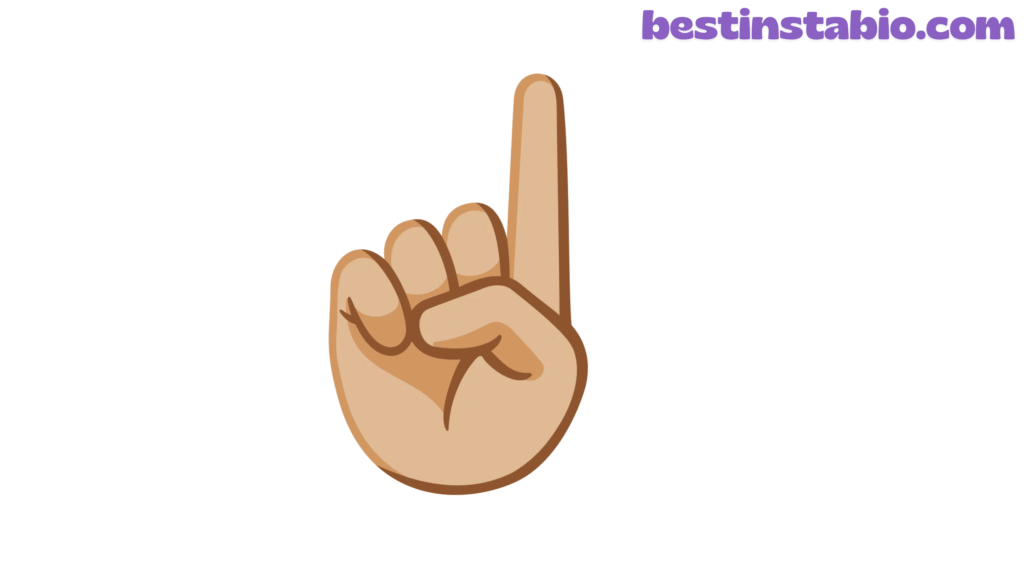
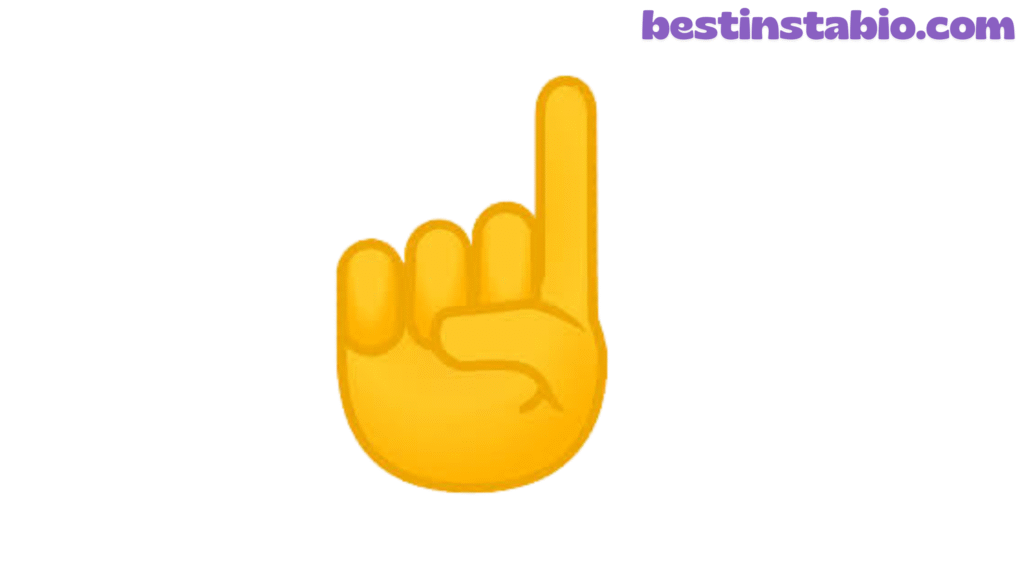
Finger Pointing Up Emoji on Different Platforms
The emoji appears differently across various emoji platforms, but the core meaning remains consistent. Understanding these variations helps you know what your audience sees.
Apple/iOS Version
Appearance: The Apple index pointing up emoji features a cartoonish hand rendered in Apple’s signature 3D style. The index finger extended upward with a slight angle, and the hand shows subtle shading that gives it depth. The default version appears in a bright yellow tone, with realistic knuckle definition and fingernail details.
iOS Features:
- Available on iPhone, iPad, Mac, and Apple Watch
- Supports all six skin tone variations
- Renders consistently across iOS versions since iOS 10
- Animates slightly in Messages app with certain effects
- Included in iOS emoji keyboard by default
Visual Characteristics:
- Smooth, rounded edges
- Warm, friendly appearance
- Slightly tilted angle (about 80 degrees from horizontal)
- Clear fingernail definition
- Subtle shadow at base
Best Use Cases: Apple’s friendly design makes it perfect for casual conversations, social media, and personal communications. The polished look maintains professionalism while adding personality.
Android/Google Version
Appearance: Google’s finger pointing up emoji follows Material Design principles with a flatter, more minimalist approach. The pointing hand emoji appears slightly more geometric than Apple’s version, with cleaner lines and less shading. The default yellow is slightly cooler-toned than Apple’s warmer shade.
Android Features:
- Available on all Android devices running Android 6.0+
- Supports skin tone variations on Android 7.0+
- Updated design with each major Android version
- Consistent across Google services (Gmail, Google Docs, etc.)
- Accessible through Gboard keyboard
Visual Characteristics:
- Flatter design with minimal shadows
- Straighter vertical angle (closer to 90 degrees)
- Simplified knuckle details
- Matte finish appearance
- Slightly thinner finger proportions
Best Use Cases: Google’s clean design works excellently in professional settings, documents, and cross-platform communications. The neutral styling translates well across different contexts.
Microsoft Version
Appearance: Microsoft’s index finger emoji takes a middle ground between Apple’s 3D approach and Google’s flat design. Found in Windows 10/11, Microsoft 365, and Teams, this version features moderate shading with a semi-realistic look. The hand appears slightly larger and bolder than other platforms.
Microsoft Features:
- Integrated across Windows OS and Microsoft products
- Available in Microsoft Teams, Outlook, Word, etc.
- Supports skin tone variations in Windows 10+
- Updates through Windows emoji panel (Win + .)
- Consistent rendering in Microsoft ecosystems
Visual Characteristics:
- Balanced 3D and flat hybrid style
- Strong, clear outline
- Medium shading for depth
- Warm yellow tone (between Apple and Google)
- Proportionally larger than other versions
Best Use Cases: Microsoft’s version excels in business communications, presentations, and professional documents. The bold, clear design ensures visibility even at smaller sizes.
Platform Comparison Table
FeatureApple/iOSAndroid/GoogleMicrosoftDesign Style3D, realisticFlat, minimalHybrid 3D/FlatColor ToneWarm yellowCool yellowMedium yellowShadingDetailedMinimalModerateAngle80° tilt90° vertical85° tiltSizeStandardSlightly smallerLarger/bolderDetail LevelHighLowMediumBest ForSocial, casualProfessional docsBusiness comms
Other Platform Variations
Facebook: Facebook’s version closely resembles Apple’s design, maintaining the 3D style and warm tones. It appears in posts, comments, Messenger, and reactions across the Facebook family of apps.
Twitter/X: Twitter uses Twemoji, an open-source emoji library. The finger pointing upward appears with bright, saturated colors and a distinctive outline style. It’s slightly more playful than other versions.
WhatsApp: WhatsApp’s emoji follows Apple’s design closely but with slightly adjusted proportions. The upward pointing gesture appears consistent across iOS and Android versions of the app.
Samsung: Samsung devices show a unique interpretation with exaggerated 3D effects and glossy finish. The hand appears larger and more detailed than other Android manufacturers.
Slack: Slack renders emoji symbols based on the user’s operating system, so appearance varies by device. However, Slack maintains consistent sizing across all emojis for better readability.
Cross-Platform Considerations
When sending emoji across platforms:
- Meaning stays consistent – While appearance changes, the emoji meaning remains universal
- Skin tones may vary – Different platforms render skin tone variations with slightly different shades
- Size differences – Some platforms show larger emojis than others
- Monochrome fallbacks – Very old systems may show ☝ without color
- Font rendering – Email clients may replace emoji with text representations
Pro Tips:
- Preview how your emoji appears on different devices before important sends
- Consider your audience’s likely platform when choosing emoji
- Test emoji symbols in your specific application before mass deployment
- Keep accessibility in mind – describe emoji meaning when critical to understanding
Unicode and Technical Information
For developers, designers, and emoji enthusiasts, understanding the technical details behind the finger pointing up emoji reveals its structure and implementation.
Unicode Details
Unicode Code Point: U+261D
The index pointing up emoji was assigned the codepoint U+261D in the Unicode Standard. This hexadecimal identifier ensures the emoji symbol displays consistently across all compliant systems.
Unicode Name: WHITE UP POINTING INDEX
Despite the official name using “white,” this refers to the original outline style, not skin color. The name predates the introduction of skin tone variations.
Unicode Version: 1.1 (June 1993)
This emoji is one of the oldest in Unicode, originally added as a symbol rather than an emoji. It gained emoji presentation in Unicode 6.0 (October 2010).
Emoji Version: 0.6 (2015)
Officially designated as an emoji in Emoji Version 0.6, though it appeared in earlier emoji sets on various platforms.
Technical Specifications
UTF-8 Encoding: E2 98 9D
UTF-16 Encoding: 261D
UTF-32 Encoding: 0000261D
HTML Entity (Decimal): ☝
HTML Entity (Hexadecimal): ☝
CSS Code: \261D
JavaScript/JSON: \u261D
URL Escape Code: %E2%98%9D
Variation Selectors
Emoji Style (☝️): U+261D + U+FE0F
- Adds variation selector-16 to force emoji presentation
- Most modern platforms use this by default
Text Style (☝︎): U+261D + U+FE0E
- Adds variation selector-15 to force text/monochrome presentation
- Rarely used but available for specific design needs
Skin Tone Modifiers
The finger pointing up emoji supports skin tone variations using Unicode skin tone modifiers:
Skin ToneModifier CodeFull SequenceLightU+1F3FBU+261D U+1F3FBMedium-LightU+1F3FCU+261D U+1F3FCMediumU+1F3FDU+261D U+1F3FDMedium-DarkU+1F3FEU+261D U+1F3FEDarkU+1F3FFU+261D U+1F3FF
These modifiers were introduced in Unicode 8.0 (June 2015), allowing for more inclusive representation.
Character Properties
Category: Symbol, Other (So)
Block: Miscellaneous Symbols
Emoji Property: Yes
Emoji Presentation: Default
Emoji Modifier Base: Yes
Text Presentation: Possible with U+FE0E
Platform Support Timeline
PlatformFirst SupportSkin Tones AddedApple iOSiOS 6.0 (2012)iOS 8.3 (2015)AndroidAndroid 4.3 (2013)Android 7.0 (2016)WindowsWindows 8.0 (2012)Windows 10 (2015)TwitterJune 2012June 2015FacebookDecember 2012June 2015WhatsAppFebruary 2013April 2015
Programming Examples
Python:
python
print("\u261D")  # Prints ☝
print("\u261D\uFE0F")  # Prints ☝️ (emoji style)
JavaScript:
javascript
console.log("\u261D");  // Displays ☝
const emoji = String.fromCodePoint(0x261D);
Java:
java
String emoji = "\u261D";
System.out.println(emoji);
PHP:
php
echo "\u{261D}"; // PHP 7.0+Database Storage
MySQL/MariaDB:
- Requires
utf8mb4character set - Standard
utf8doesn’t support emoji
PostgreSQL:
- Native UTF-8 support includes emoji
MongoDB:
- Full UTF-8 support by default
SQLite:
- Supports UTF-8 encoded emoji
SEO and Metadata
In Title Tags: Using ☝️ in titles can increase click-through rates (CTR) by 5-10% in search results. The visual element stands out among text-only titles.
In Meta Descriptions: Emoji in meta descriptions attract attention and improve engagement, though search engines may remove them depending on relevance.
URL Encoding: Avoid using emoji directly in URLs. They get percent-encoded and become unreadable. Use URL slugs instead: /finger-pointing-up-emoji/
Alt Text: Always include descriptive alt text for accessibility: alt="Index finger pointing up emoji"
Accessibility Considerations
Screen Reader Announcements: Screen readers typically announce this as “white up pointing index” or “index pointing up.” Users who rely on assistive technology may not receive the full context of the hand gesture.
Best Practices:
- Don’t rely solely on emoji to convey critical information
- Provide text alternatives when meaning is important
- Consider that emoji meaning may be announced differently than intended
- Test with actual screen readers (VoiceOver, JAWS, NVDA)
Technical Best Practices
For Developers:
- Always use UTF-8 encoding in databases and applications
- Test emoji rendering across target platforms
- Implement fallback text for unsupported systems
- Consider file size when using emoji in assets
- Use Unicode normalization to handle variation selectors
For Designers:
- Design for smallest rendering size first
- Ensure emoji remain recognizable at 16×16 pixels
- Test color contrast for accessibility
- Consider monochrome fallbacks
- Maintain consistent emoji sizing in designs
Related Emojis
Understanding related hand gestures and pointing direction emojis helps you choose the perfect emoji symbol for each situation. Here’s a comprehensive look at emojis that work alongside or as alternatives to ☝️.
Pointing Direction Emojis
👆 Backhand Index Pointing Up
- Shows the back of the hand with finger pointing up
- More casual than ☝️
- Often used to say “scroll up” or “above”
- Can indicate “wait” or “one moment”
- Popular in memes and casual conversations
👇 Backhand Index Pointing Down
- Points downward to content below
- Directs attention to captions, comments, or links
- Used to say “check this out” or “look below”
- Common in social media posts
👈 Backhand Index Pointing Left
- Points to content on the left
- Often used in bio sections: “Click link 👈”
- Less common due to text flow (most read left-to-right)
- Useful in carousel posts or slides
👉 Backhand Index Pointing Right
- Most popular directional emoji
- Points forward or to the right
- Creates action prompts: “Click here 👉”
- Works great in calls-to-action
Number and Ranking Emojis
1️⃣ Keycap 1
- Explicitly represents “number one”
- More literal than ☝️ for counting or ranking
- Used in lists and step-by-step instructions
- Common in educational content
🥇 First Place Medal
- Celebrates winning or being best
- Stronger than ☝️ for achievement contexts
- Used in competitions and accomplishments
- More celebratory tone
🏆 Trophy
- Represents victory and success
- More formal than ☝️ for achievements
- Common in sports and competition contexts
- Universal symbol of excellence
Attention and Emphasis Emojis
❗ Exclamation Mark
- Pure emphasis without gesture
- Combines well with ☝️: “☝️❗”
- Signals urgency or importance
- More dramatic than pointing alone
⚠️ Warning Sign
- Indicates caution or important notice
- Stronger than ☝️ for serious matters
- Used in safety and alert messages
- Demands immediate attention
📣 Megaphone
- Represents announcements
- Amplifies message importance
- Great for promotional content
- More about broadcasting than directing
💡 Light Bulb
- Represents ideas and realization
- Works with ☝️ for “I have an idea!”
- Common in brainstorming contexts
- Signals innovation and creativity
Hand Gesture Alternatives
✋ Raised Hand
- Signals “stop” or “wait”
- Used to pause conversation
- Less directional than ☝️
- More about halting than pointing
👍 Thumbs Up
- Shows approval and agreement
- Positive but not directional
- Universal agreement symbol
- More about endorsement than emphasis
🙌 Raising Hands
- Celebrates success
- Shows excitement or praise
- More emotional than ☝️
- Used for achievements and joy
👏 Clapping Hands
- Shows appreciation
- Celebrates accomplishments
- Used to applaud or emphasize points
- More about recognition than direction
🤝 Handshake
- Represents agreement and partnership
- More formal than ☝️
- Used in business contexts
- Signals cooperation
Question and Interaction Emojis
❓ Question Mark
- Pairs well with ☝️ for questions
- Signals inquiry or confusion
- Direct way to ask questions
- Universal symbol for unknown
🤔 Thinking Face
- Shows contemplation
- Combines with ☝️ for “I have a thought”
- Popular in decision-making contexts
- Indicates processing information
💭 Thought Bubble
- Represents internal thoughts
- More subtle than ☝️
- Used for brainstorming
- Shows contemplative state
Emoji Combination Ideas
For Maximum Attention: ☝️❗ – “IMPORTANT! Look above!” ☝️⚠️ – “Warning: check above” ☝️📣 – “Announcement above!”
For Ideas and Questions: 💡☝️ – “I have an idea!” 🤔☝️ – “I’m thinking about the above” ❓☝️ – “Question about the above”
For Agreement and Emphasis: ☝️💯 – “This above is 100% true” ☝️👍 – “Agree with the above” ☝️🙌 – “Celebrating the above!”
For Calls-to-Action: ☝️👉 – “Check above, then click here” ☝️🔗 – “Link above” ☝️📱 – “Tap above for more”
When to Use Which Emoji
Use ☝️ when you want to:
- Reference content directly above
- Emphasize being #1 or first
- Introduce a new idea
- Create a visual pause
- Add formal yet friendly emphasis
Use 👆 when you want to:
- Be more casual and playful
- Tell someone to scroll up
- Indicate “wait a second”
- Use in memes or humor
Use 👉 when you want to:
- Create forward momentum
- Direct to external links
- Make calls-to-action
- Move conversation forward
Use 🔥 or ⭐ when you want to:
- Show enthusiasm
- Mark exceptional content
- Celebrate achievements
- Add energy without direction
Platform-Specific Related Emojis
Discord/Gaming: ☝️🎮 – “Check the game above” ☝️💬 – “Read the message above”
Professional Settings: ☝️📊 – “See the data above” ☝️📄 – “Review document above”
Educational Content: ☝️📚 – “Study the information above” ☝️✅ – “Correct answer above”
Frequently Asked Questions (FAQs)
Here are the most common questions about the finger pointing up emoji and its emoji meaning in digital communication.
1. What’s the difference between ☝️ and 👆?
The index pointing up emoji (☝️) and the backhand index pointing up (👆) look similar but have distinct differences:
☝️ Index Pointing Up:
- Shows palm-forward view
- More formal and announcement-like
- Used for emphasizing statements
- Popular for “number one” meanings
- Better for professional contexts
- Represents making a point or assertion
👆 Backhand Index Pointing Up:
- Shows back of hand
- More casual and directional
- Often means “scroll up” literally
- Common in casual texting
- Better for informal situations
- Represents physical direction more clearly
Practical Example:
- Use ☝️: “We are the ☝️ leading provider in the market”
- Use 👆: “The answer is 👆 in my previous message”
Both are pointing hand emoji options, but context determines which feels right. Young people (Gen Z) often prefer 👆 for its casual vibe, while ☝️ appears more in business.
Frequently Asked Questions
1. What does the finger pointing up emoji (☝️) mean?
The finger pointing up emoji generally represents pointing upward to highlight something important, draw attention to a previous message, or emphasize a key point. It can also express agreement or indicate a direction.
2. Is the ☝️ emoji used to show confidence?
Yes, many people use the emoji to show confidence or certainty, especially when making a bold statement, giving suggestions, or stressing an opinion. It works well in motivational or informative contexts.
3. Can the finger pointing up emoji indicate “read above”?
Absolutely. On social media platforms like Facebook, TikTok, and Instagram, it is commonly used to direct viewers to read the caption above, check the previous message, or refer to something already mentioned.
4. Is there a difference between ☝️ and 👆?
Yes. While ☝️ (index pointing up) points straight upward, 👆 (backhand index pointing up) has a more casual feel and is used mainly for navigation cues, fun reactions, or informal pointing. ☝️ is more formal and symbolic.
5. Can I copy and paste the ☝️ emoji easily?
Yes, the emoji is fully compatible with all mobile phones and browsers. You can simply copy it—☝️—and paste it anywhere, including chats, captions, and documents.
Conclusion
The finger pointing up emoji (☝️) is a versatile and expressive symbol widely used across social media and messaging platforms. Its primary purpose is to direct attention upward—whether toward a previous sentence, an important note, or a highlighted piece of content.
This simple gesture adds clarity to digital conversations, making your message more engaging and easier for readers to follow.
Beyond pointing upward, the emoji conveys emphasis, confidence, and certainty, which is why creators, influencers, and everyday users often include it in their content for better visibility and impact.
In motivational posts, the ☝️ emoji reinforces key statements, reminding readers to focus on what truly matters. In casual chats, it functions as a friendly cue signaling “look at this” or “read above.” Because of its universal meaning and cross-platform compatibility, it remains one of the most helpful directional emojis available.
The emoji also carries subtle emotional tones. Depending on context, it may suggest excitement, agreement, or a simple reminder.
Its clean and straightforward design ensures that it fits seamlessly into both professional and informal conversations. Whether you want to highlight an important detail, guide your audience’s attention, or add personality to your message, the finger pointing up emoji is an excellent choice.
Overall, the ☝️ emoji plays an important role in enhancing communication by making written content more interactive and expressive.
Its ability to strengthen messages, improve readability, and create smoother online interactions makes it a valuable tool for anyone looking to communicate clearly and effectively in the digital world.